0 ratings
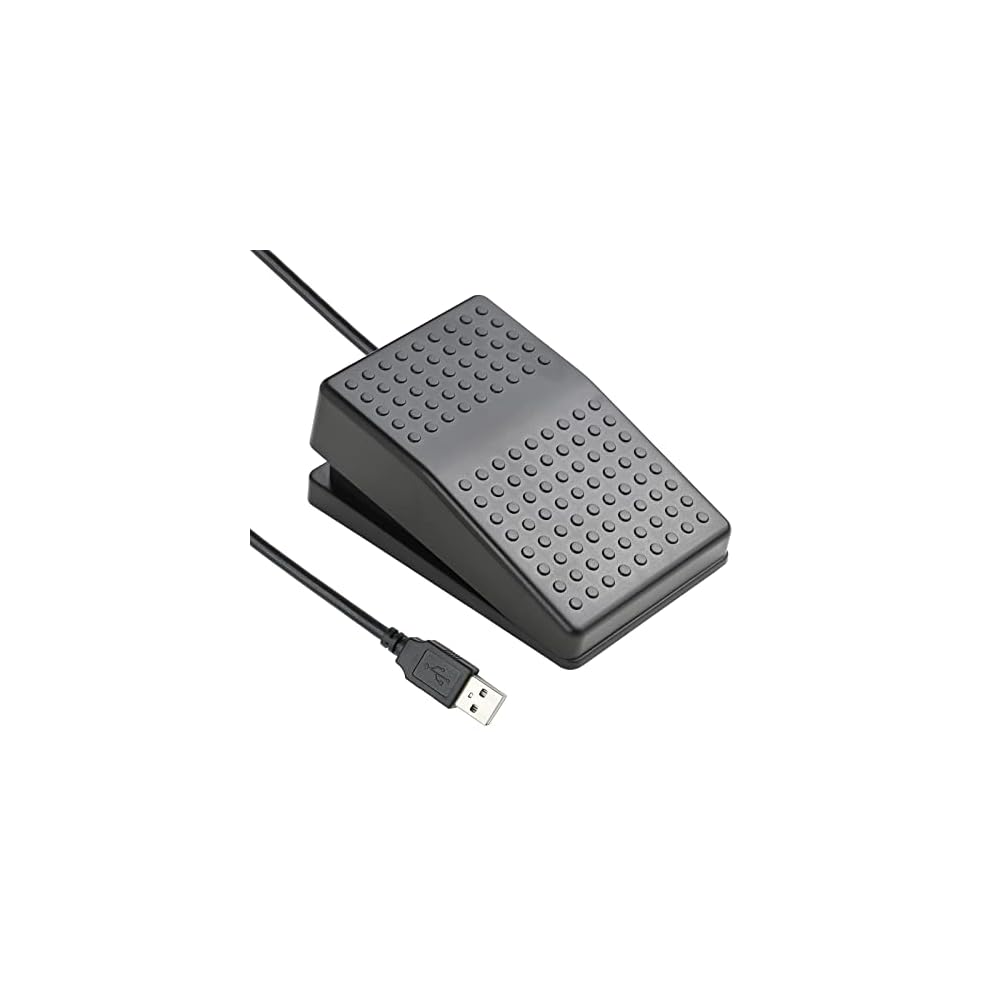



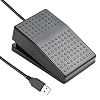


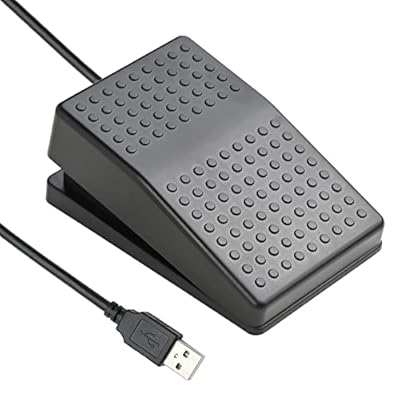
The PC foot pedal is designed for a hands-free environment for various applications such as gaming, music, transcription, and more. It is easy to set up and has multiple functions like keyboard, mouse, multimedia, string, and game. The well-made photoelectric pedal is sturdy, solid, and responsive, with rubber feet to avoid sliding on floors. It supports programming for Windows and Mac and can connect multiple switches to a computer.
Item #:
57278996
iKKEGOL Upgraded USB Foot Switch Single Pedal Mechanical Control Footswitch Map Mouse Keyboard Hotkey Combination Key Press Simulator Program Page
Item #:
57278996
ETB 4065
Price Details
Excluding Shipping & Custom charges ( Shipping and custom charges will be calculated on checkout )
*All items will import from US
In stock
 Imported from USA store
QTY:
Order now and get it around Thursday, June 25
Secured transaction
Ubuy works hard to protect your security and privacy. Our advanced payment security system ensures confidentiality by encrypting your information during transmission using AES (Advanced Encryption Standards) and SSL (Secure Socket Layer) protocols. Your payment details are 100% secure as we do not share your payment details with third party sellers.
Our Top Logistics Partners


The PC foot pedal is designed for a hands-free environment for various applications such as gaming, music, transcription, and more. It is easy to set up and has multiple functions like keyboard, mouse, multimedia, string, and game. The well-made photoelectric pedal is sturdy, solid, and responsive, with rubber feet to avoid sliding on floors. It supports programming for Windows and Mac and can connect multiple switches to a computer.

Fast
Shipping

Free
Return*

Secure Packaging

100% Original Products

PCI DSS Compliance

ISO 27001 Certified


Note: Step Down Voltage Transformer required for using electronics products of US store (110-120). Recommended power converters Buy Now.


What Stands Out
Versatile Control
The iKKEGOL foot switch allows for customizable hotkey combinations to simplify control in various applications, enhancing productivity for gamers, transcriptionists, and musicians alike.
Durable Design
Built with mechanical switch technology, this foot pedal ensures longevity and reliability, withstanding heavy use without compromising performance, making it an ideal choice for consistent daily tasks.
User-Friendly Setup
Easily programmable with simple plug-and-play functionality, the foot switch allows users to quickly assign commands, reducing setup time and enabling immediate action in any task or game.
Product Details
- "APPLICATION - It's designed for a free hands environment for play gaming, singer/guitarist, game with a controller, changing scenes,mute discord, take clips, push to talk ,streaming,muting mic,Photobooth,YouTube,Medical,Zoom, transcription key setting,factory test,instrument control etc. it's let you set pedal to have for what you need,take the strain off a repetitive use injury in your arm."
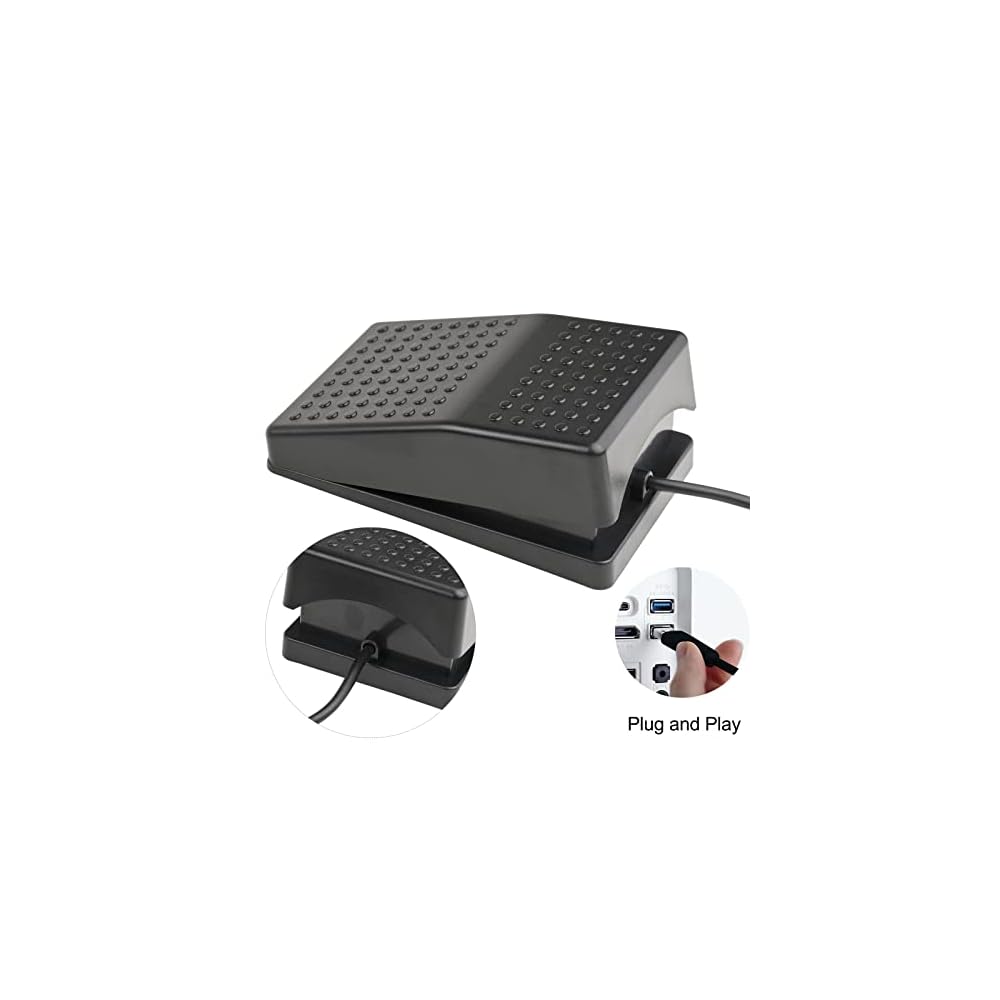
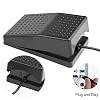
- "EASY TO USE - Plug and Play, software free download from our website, software is easy to setup, and did most of what you would want to of a product, emulation various forms of input. You can assgin many different actions to the pedal, Keyboard/Mouse/String/Multimedia/Game."
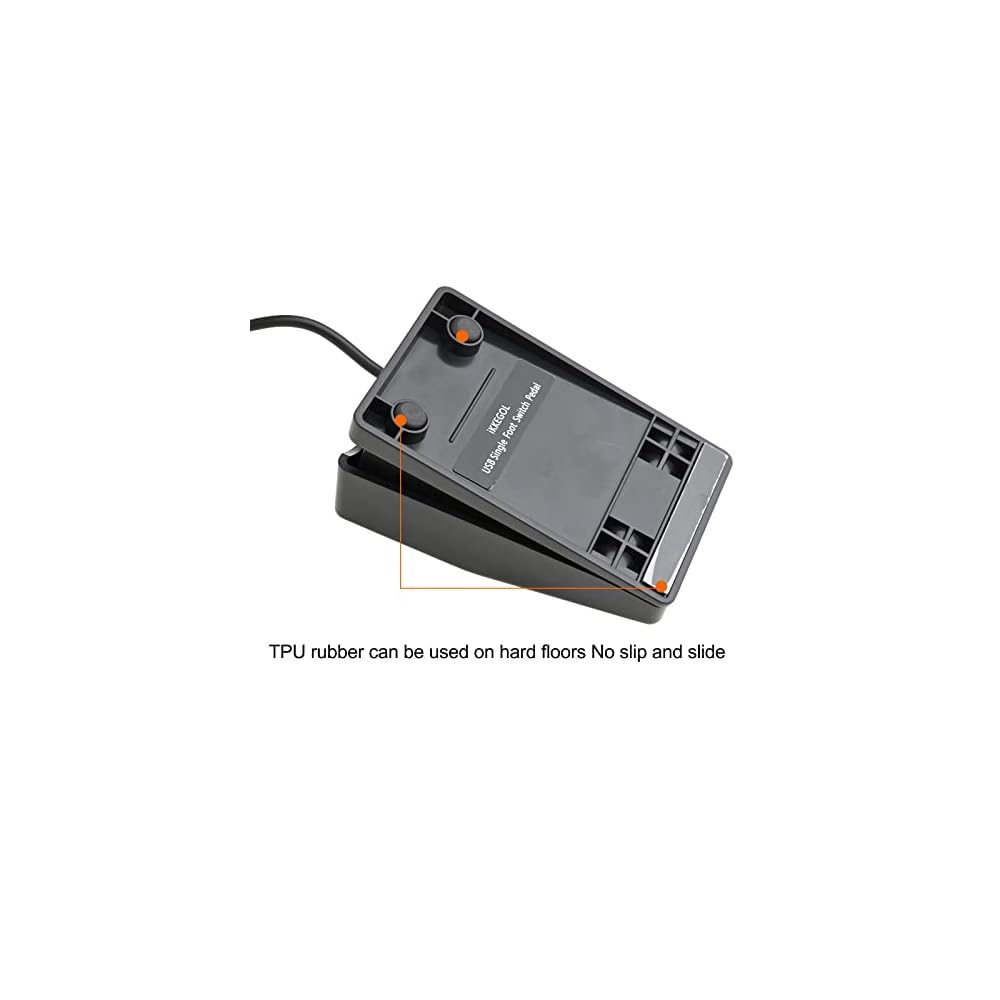
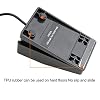
- "MECHANICAL PEDAL - Well made,sturdy and solid with 1.9M /6.2ft USB Cable , it's mechanical pedal, responsive, quiet ,it it makes a plastic on plastic click sound, if light press,it won't have any sound. there are rubber feet.it avoid sliding around on hardwood floors."
- "SUPPORT - Can connect more than one switch to your computer, just programmed individually, then you can plug all foot pedals."
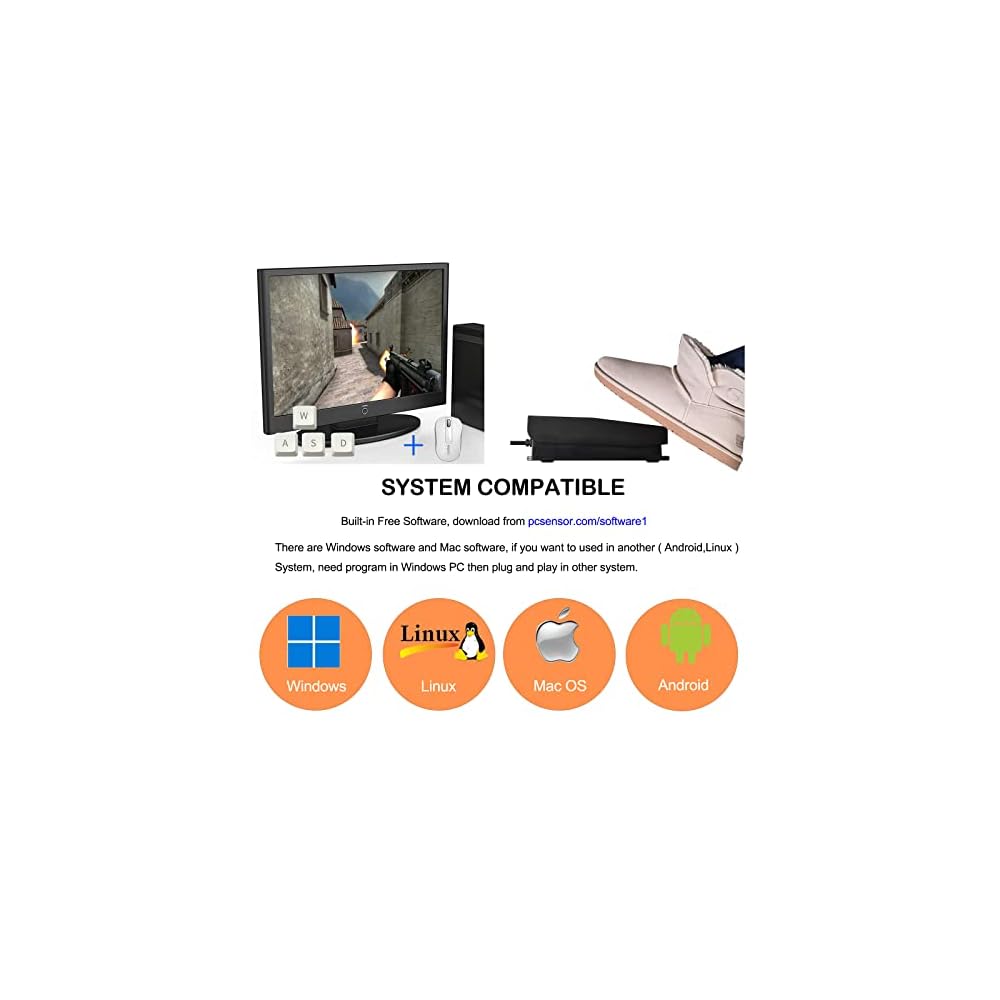
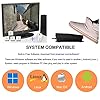
- "SYSTEM COMPTIABLE - Programming software offered for Windows and Mac, support Windows 2000/XP/Vista/Win 7/Win 8, Win 10 Win 11,after the program definition of key support Windows/ Linux/ Mac/ DOS and other systems. Once the pedals are configured, it's completely plug and play in other system."
| Connectivity Technology | Usb |
| Other Special Features of the Product | Ergonomic |
| Compatible Devices | Gaming Console |
| Movement Detection | Optical |
| Are Batteries Required | No |
| Power Source | Corded Electric |
| Compatible Operating System Family | Linux, MacOS, Windows |
| Operating System | Linux, Mac, Win 2000/XP/7/8, Windows 10, Windows 11 |
| Number of Keys | 38 |
| Color | Black |
| Item Weight | 0.15 Kilograms |
| Brand | iKKEGOL |
| Keyboard Description | USB |
| Manufacturer | iKKEGOL |
| Model Number | 10737 |
| Mfr Part Number | IKG-10737 |
| Built-In Media | USB Cable |
| Special Feature | Ergonomic |
Who Should Buy?

-
Musicians & Performers
Ideal for musicians needing hands-free control over software, allowing seamless transitions during live performances or practice.
-
Transcriptionists
Great for transcriptionists who require convenient control for audio playback, making typing faster and more efficient.
-
Gamers
Useful for gamers who want to improve their gaming experience with programmable hotkeys for various in-game functions.

-
Casual Computer Users
May not be useful for casual users who don’t require additional foot controls for standard computer tasks.
-
Non-Technical Users
Users unfamiliar with programming or setup may find it difficult to utilize the foot switch effectively.
-
Office Workers
Not necessary for typical office tasks that can be easily performed with a standard mouse and keyboard.
Product Description
Have any Query? Chat with us
Customer Questions & Answers
-
Question:
What is the iKKEGOL Upgraded USB Foot Switch used for?
Answer: The iKKEGOL Upgraded USB Foot Switch serves as a hands-free control device, allowing users to map mouse, keyboard, or hotkey combinations for various applications. This footswitch is ideal for professionals like musicians, podcasters, or anyone who needs to keep their hands free while managing tasks on their computer, such as starting and stopping recordings, scrolling through presentations, or triggering software commands. By taking advantage of its programmable features, users can significantly enhance productivity and streamline their workflow. -
Question:
How does the iKKEGOL footswitch connect to my computer?
Answer: The iKKEGOL footswitch connects via a USB port, making it compatible with most modern computers and laptops. Simply plug the device into an available USB port, and it should be recognized by your operating system without the need for additional drivers. Once connected, you can map the desired functions using its software interface, allowing for seamless integration into your existing setup. This plug-and-play capability makes it convenient for users to get started quickly. -
Question:
Can I customize the functions of the footswitch?
Answer: Yes, the iKKEGOL footswitch allows for extensive customization of its functions. Using the provided software, you can map different key combinations or mouse actions to the pedal, tailoring it to your specific workflow and preferences. Whether you need it for gaming, audio editing, or professional presentations, customizing the functions enables you to create shortcuts and enhance your efficiency. This feature is particularly useful for tasks that require repetitive actions, allowing you to accomplish more with less effort. -
Question:
Is the footswitch durable and suitable for heavy use?
Answer: The iKKEGOL footswitch features a robust design that is built to withstand regular and intensive use. The mechanical switch ensures tactile feedback, making it responsive and reliable for various applications. This durability makes it an excellent choice for environments where frequent pedal activation is required, such as in studios or during live performances. The sturdy construction helps to minimize wear and tear, ensuring longevity even with heavy foot traffic. -
Question:
What applications can I use the footswitch with?
Answer: The footswitch is highly versatile and can be used with a wide range of applications across different fields. Whether you are editing audio tracks, controlling video playback, or operating software for presentations, this device can enhance your control over these tasks. It is especially beneficial for musicians who want to manage effects or loops without using their hands. Its programmability allows you to tailor it to various software, enhancing usability across different platforms. -
Question:
Do I need additional software to program the footswitch?
Answer: To fully utilize the features of the iKKEGOL footswitch, it is advisable to download the accompanying setup software. This application allows you to customize the button mappings and set up hotkeys efficiently. The software is generally user-friendly, providing clear options to define functions for the pedal, which can help users optimize their productivity. By taking advantage of this additional tool, you can truly maximize the functionality of the footswitch according to your unique needs. -
Question:
Is the iKKEGOL footswitch compatible with both Windows and Mac systems?
Answer: Yes, the iKKEGOL Upgraded USB Foot Switch is compatible with both Windows and Mac operating systems. This cross-platform compatibility ensures that you can integrate the footswitch into various setups, regardless of the ecosystem you're using. Whether you're a Windows user who relies on specific software or a Mac user enhancing creative tasks, this versatility makes it an accessible tool for anyone looking to improve their workflow and operational efficiency. -
Question:
What are some practical use cases for this footswitch?
Answer: There are numerous practical applications for the iKKEGOL footswitch across different industries. For instance, a music producer might use it to trigger recording or looping sessions while maintaining focus on their instruments. Podcasters can utilize it for starting and stopping recordings, while video editors can manage cuts and transitions hands-free. In office settings, it can serve as a convenient way to navigate presentation slides or scroll through documents, enhancing multitasking capabilities and workflow efficiency. -
Question:
How large is the footswitch, and will it fit comfortably under my desk?
Answer: The iKKEGOL footswitch is designed to be compact and ergonomically shaped, making it easy to accommodate under most desks without taking up too much space. Its single-pedal design allows for comfortable foot placement, ensuring ease of use during extended sessions. The compact nature does not compromise its functionality while providing a clutter-free workspace ideal for various applications, from audio control to gaming. -
Question:
Where can I buy the iKKEGOL Upgraded USB Foot Switch?
Answer: You can buy the iKKEGOL Upgraded USB Foot Switch from Ubuy. Ubuy offers a convenient online shopping experience, allowing you to purchase the footswitch from the comfort of your home. With a user-friendly interface and reliable customer service, Ubuy makes it easy for you to find and order the product, ensuring that you have access to the latest version of this useful device.
iKKEGOL Pedals & Footswitches 10737 Editorial Review


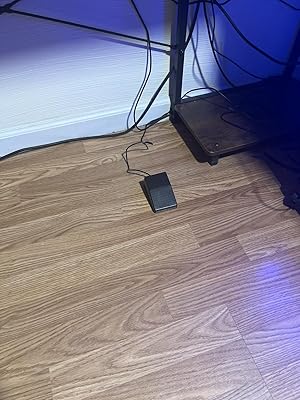
The iKKEGOL Upgraded USB Foot Switch is a cheap and reliable option for those who are looking for a foot pedal to add to their PC setup. This foot switch can be programmed to perform various functions such as mouse clicks, hotkeys or keypress combinations. The lack of instructions on the package is a downside, but the software needed to customize the key binding can be found with some googling. It is easy to set up and use and can be programmed in a Windows PC and then used in another device. One of the main advantages of the iKKEGOL foot switch is that it is affordable and performs its functions effectively. However, there are some reports of issues like no connection to the ikegol program or not working correctly. Overall, if you are looking for an affordable and reliable foot switch to add to your PC setup, this product is worth Considering.
Customer Reviews & Ratings
132 customers ratings
-
5 Star
75%
-
4 Star
8%
-
3 Star
3%
-
2 Star
7%
-
1 Star
7%
Review this product
Share your thoughts with other customers
Pros
- Affordable
- Performs its functions effectively
- Easy to set up and use
Cons
- Lack of instructions on the package
Product Price History
Important information
- Limitations : For products shipped internationally, please note that any manufacturer warranty may not be valid; manufacturer service options may not be available; product manuals, instructions, and safety warnings may not be in destination country languages; the products (and accompanying materials) may not be designed in accordance with destination country standards, specifications, and labeling requirements; and the products may not conform to destination country voltage and other electrical standards (requiring use of an adapter or converter if appropriate). The recipient is responsible for assuring that the product can be lawfully imported to the destination country. When ordering from Ubuy or its affiliates, the recipient is the importer of record and must comply with all laws and regulations of the destination country.
- Not all the products listed on Ubuy are for sale, as Ubuy is a global search engine. Products are subject to export/trade regulations.
ETB 4065
Order now and get it around Thursday, June 25
This item is not restrict in my country.(Please click on above link if this item is not restrict in your country, So our team will review and allow.)
QTY:
Secured transaction
Ubuy works hard to protect your security and privacy. Our advanced payment security system ensures confidentiality by encrypting your information during transmission using AES (Advanced Encryption Standards) and SSL (Secure Socket Layer) protocols. Your payment details are 100% secure as we do not share your payment details with third party sellers.
Our Top Logistics Partners
Fastest cross-border delivery
Features & Benefits
- Hands-free pedal for gaming, music, transcription, and more
- Multiple functions like keyboard, mouse, multimedia, string, and game
- Well-made and sturdy photoelectric pedal with responsive and quiet operation
- Supports programming for Windows and Mac with plug-and-play setup
- Compatible with multiple operating systems and can connect multiple switches